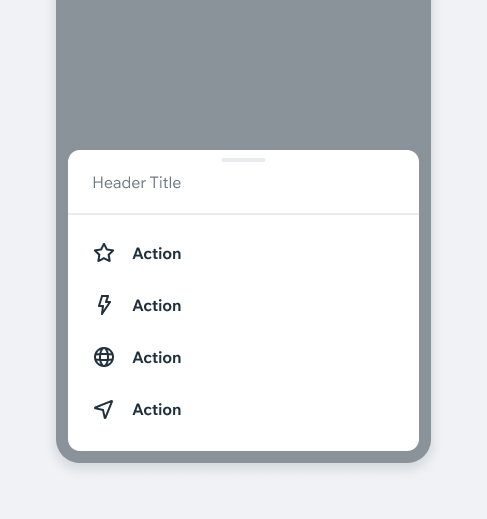
ActionSheetAn Action Sheet is an action-based menu that overlays the current screen, providing access to additional actions that are not visible on the main interface.
- Overview
- Dev
Usage Examples
StructureThe actionSheet is structured from several sections and elements, each section can be customized differently.
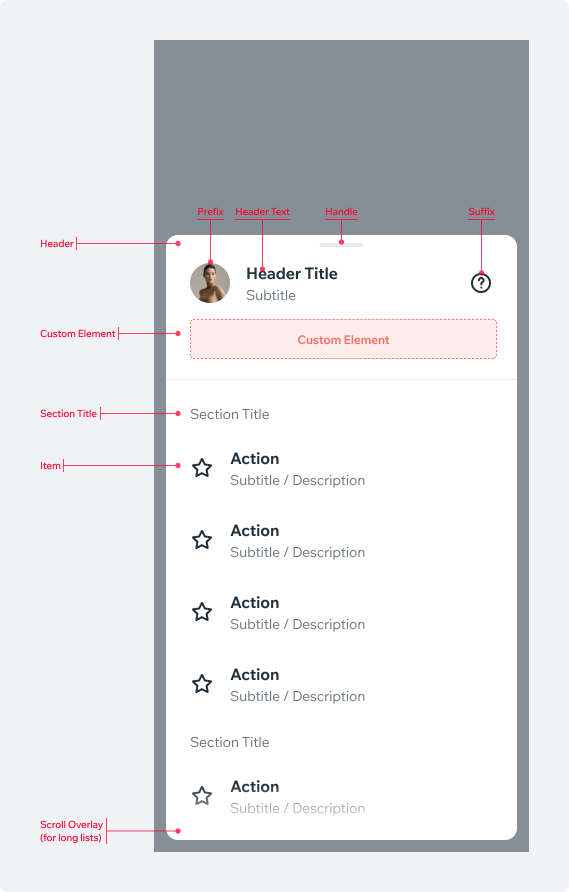
Header ContentCustomize the header with the following elements to provide the user with additional information.
Text
| Property | Preview |
|---|---|
| Title (default) |  |
| Title+Subtitle |  |
Prefix (only available with Title+Subtitle)
| Propery | Preview |
|---|---|
| Thumbnail |  |
| Avatar |  |
Suffix
| Property | Preview |
|---|---|
| Icon |  |
| Thumbnail |  |
| Link Button |  |
Custom Element
| Property | Preview |
|---|---|
| Custom Element A custom element can be added beneath the header content. | 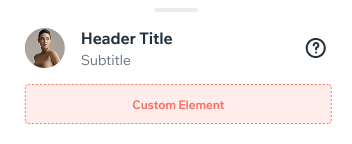 |
Items ContentThe items in the actionSheet are based on the listItem component, but the content is intentionally kept concise to ensure the action sheet remains clear and easy to use.
| Property | Preview |
|---|---|
| Title | .png) |
| Title+Subtitle |  |
| Section Header Use a section header to divide and organize the list of actions |  |
Prefix
| Property | Preview |
|---|---|
| None |  |
| Icon |  |
Item StyleThe items in the action sheet support a destructive style for important actions. Use a native alert to confirm the action and explain the consequences.
| Property | Preview |
|---|---|
| Default |  |
| Destructive |  |
Spec
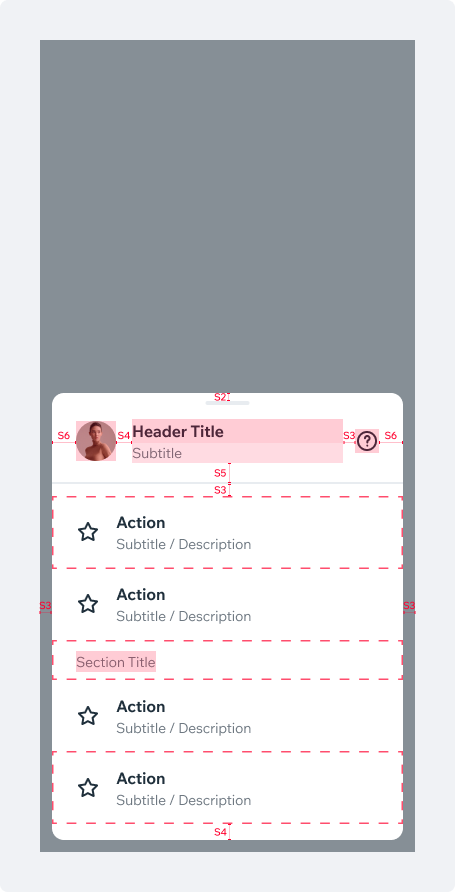
Tablet Spec
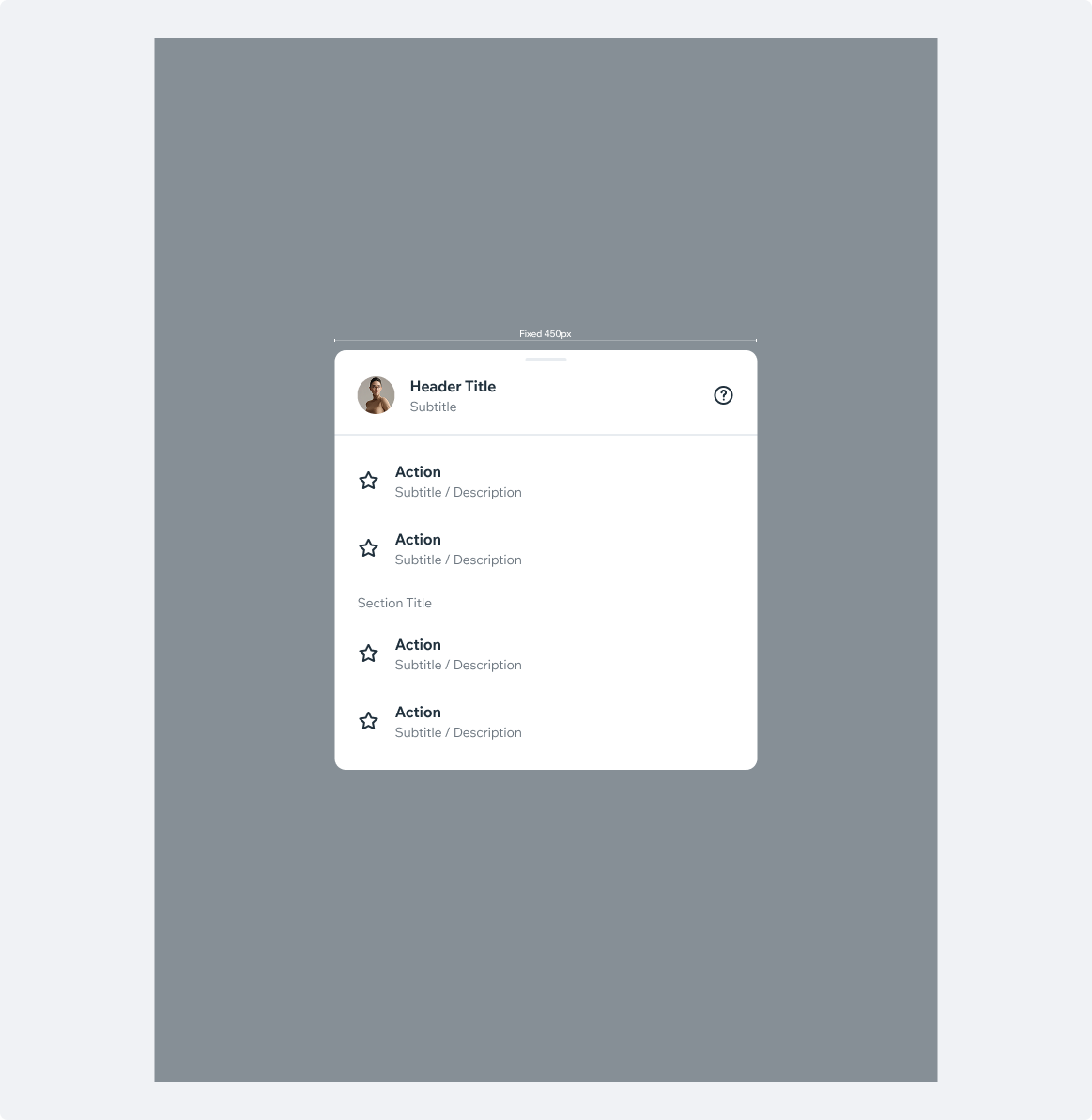
UsageCode Example
<ActionSheet
  testID={'uilib.actionSheet'}
  visible={isVisible}
  onDismiss={onDismiss}
  headerProps={headerProps}
  options={optionsData.options}
  destructiveButtonIndex={optionsData.destructiveButtonIndex}
  prominentButtonIndex={optionsData.prominentButtonIndex}
  gridOptions={gridOptions}
  footerCheckbox={checkboxProps}
/>
APIThis is the list of additional props for the component