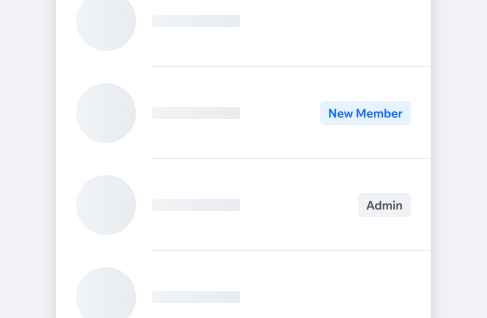
LabelLabels are used to provide emphasis on a characteristic of an object, e.g. status, state, category.
- Overview
- Dev
Content Types
| Property | Preview |
|---|---|
| Text only | |
| Icon | |
| Avatar | |
| Logo |
Style Presets
| Preset | Default Type | Prominent Type |
|---|---|---|
| Neutral Default label | ||
| Primary Prominent label e.g. “New” | ||
| Success Positive status label e.g. “Active” | ||
| Warning Warning status, e.g. “Waitlist” | ||
| Danger Negative status label e.g. “Unpaid” | ||
| Light Used on dark or image background | ||
| Premium Used for premium indication |
Logo labels
| Preset | Preview |
|---|---|
| Admin Wix app logo | |
| Places Spaces app logo | |
| Fitness Fit app logo | |
| Restaurants Dine app logo | |
| Branded Branded apps logo |
Size
| Property | Preview |
|---|---|
| Large Height: 24px | |
| Small Height: 20px |
SpecLabels expand horizontally according to value width maintaining fixed padding.
PlaygroundCode Example

INFO
This component support margin modifiers.
APIThis is the list of additional props for the component