Loaders are circular progress indicators. They express an unspecified wait time or display the length of a process.
They can be used as spinners or progress circles.
- Overview
- Dev
Progress loader display how long a process will take. It should be used when the process completion rate can be detected. As the completion rate increases, the track fills from 0 to 100%.
If a process takes longer than 5 seconds, consider using a ProgressBar. Users are more willing to tolerate a long wait time if they see a progress bar.

Indeterminate loader express an unspecified amount of wait time. They should be used when progress isn’t detectable, or if it’s not necessary to indicate how long an activity will take.
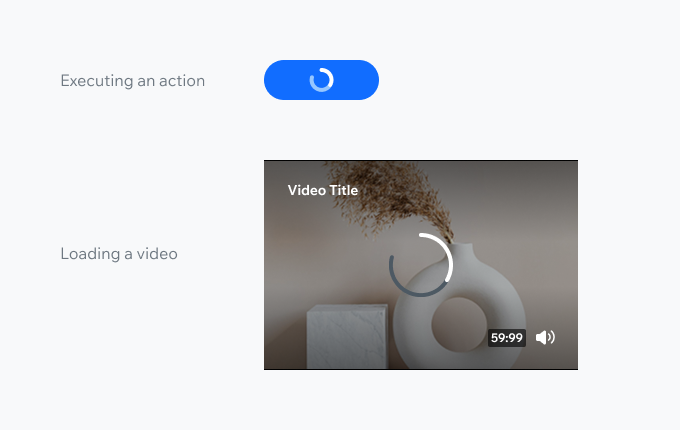
Spinner may appear when loading content or while executing a user action.
When loading a large amount of content, consider using a Skeleton. Skeleton screens reduce the perception of long loading times comparing to spinners.
| Propery | Preview |
|---|---|
| Indeterminate | |
| Progress |
| Preset | Indeterminate | Progress |
|---|---|---|
| Dark | ||
| Light | ||
| Theme (primary) |
| Property | Indeterminate | Progress |
|---|---|---|
| xSmall Diameter: 16px | ||
| Small Diameter: 24px | ||
| Medium Diameter: 40px | ||
| Large Diameter: 64px |
| Property | Indeterminate | Progress |
|---|---|---|
| Message Text to be displayed under the loader |
