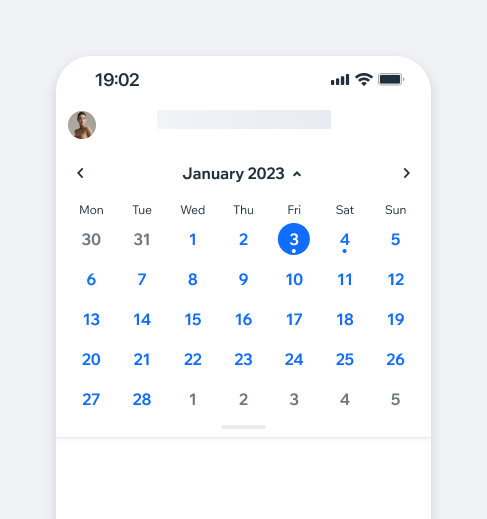
ExpandableCalendarThe ExpandableCalendar shows a week view by default and can be expanded to a month view by using the handle or the chevron icon at the top.
- Overview
- Dev
Usage Examples
Structure
Behaviour
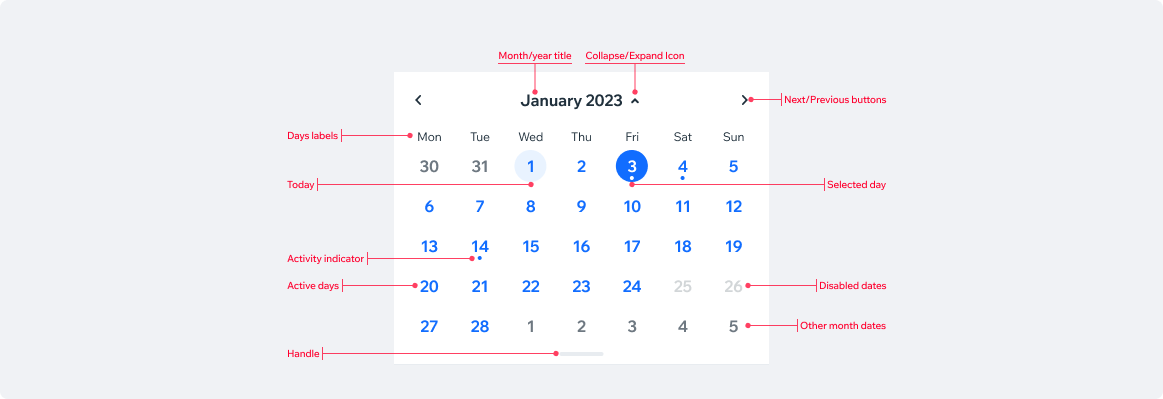
Collapse/Expand Switch between week and month views using the handle button or the chevron icon next to the month/year title.
Next/Previous WeekSwipe the calendar or tap the arrows to view the next/previous week.
The first day with items is selected by default. If there are no events, the first day of the week is selected.
Next/Previous MonthSwipe the calendar or tap the arrows to view the next/previous month.
No date is being selected automatically, the timeline should only update when the user manually selects a date.
Navigating DaysTap the days or scroll the agenda view to navigate between days.
“Today” ButtonA floating “Today” button can be added to the agenda/timeline views. It allows the user to quickly go back to today’s date.
Spec
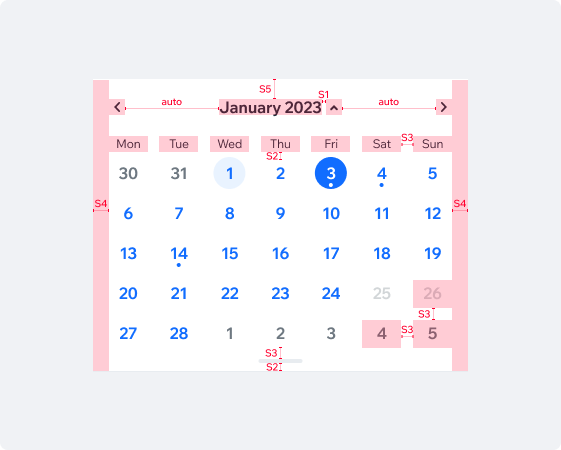
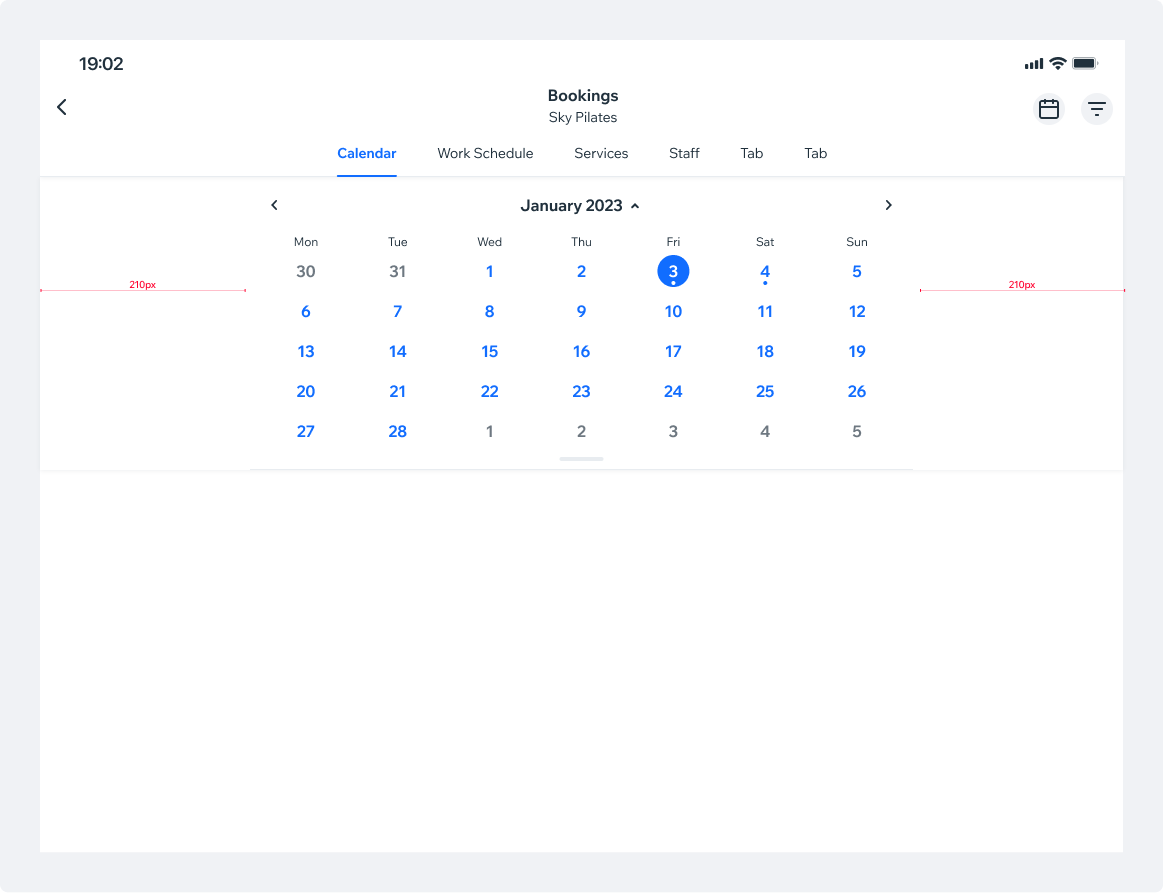
Tablet SpecOn tablets, the calendar’s background should stretch to full width, while the content stays within the page margins.
UsageCode Example
<ExpandableCalendar
  markedDates={markedDates}
  onDayPress={onDayPress}
/>

TIP
This component extends the ExpandableCalendar props.
APIThis is the list of additional props for the component