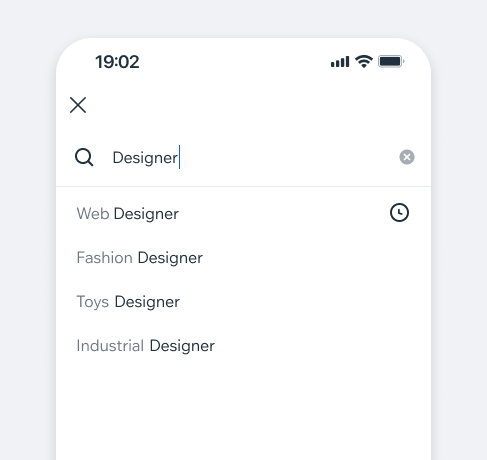
AutocompleteListAutocomplete offers the user input suggestions, based on recent searches, popular or recommended queries, or real-time matches to the characters the user types.
- UX Guidelines
- Overview
- Dev
StatesExcept for the default state, which is available only in the SearchInput variant, all other states are supported and behave similarly across both SearchInput and TextField.
| State | Preview |
|---|---|
| New Item | 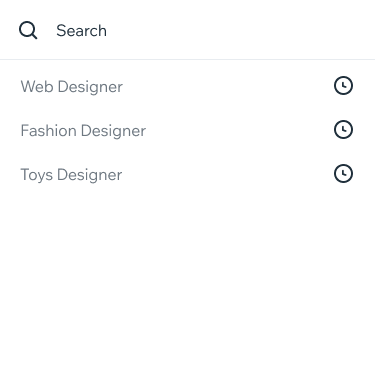 |
| Recents + Autocomplete Suggestion results appear while typing. Tapping a result inserts it to the input, and the results change accordingly. A suggestion can also be recent search. | 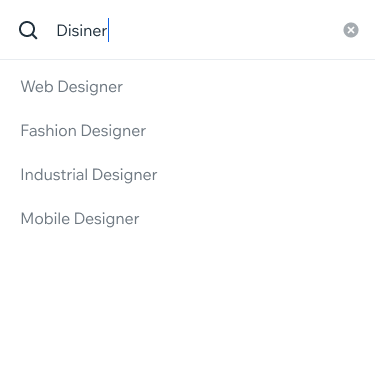 |
| Inner Scroll in the results list | 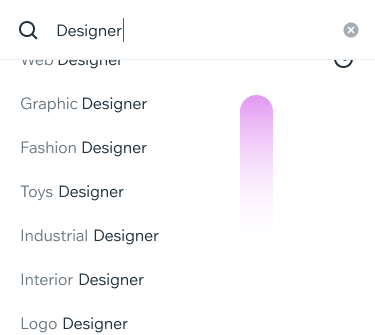 |
| No Results - Validation Input validation error, no results displayed | 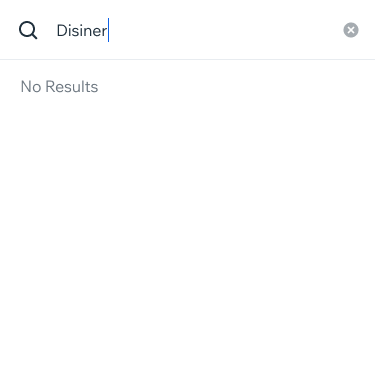 |
| No Results - Suggestions Top results displayed | |
List props + Style
| Type | Preview |
|---|---|
| Recent searches Text Style: Main Icon color: $iconDefault Search suggestions text: $textNeutral |  |
| Autocomplete heighlight Highlighted text (what was being typed): $textDefault rest of the text: $textNeutralLight | 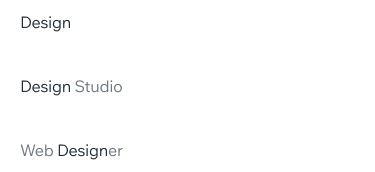 |
| Recents + Autocomplete | .png) |
Highlight Behaviour
Usage Example
Spec
ResultsResults are built from List component
Item height: 44px
Structure: The current implementation of the List component includes a negative margin of -8px.
Suggestion results appear while typing.
Tapping a result inserts it to the input, and the results change accordingly
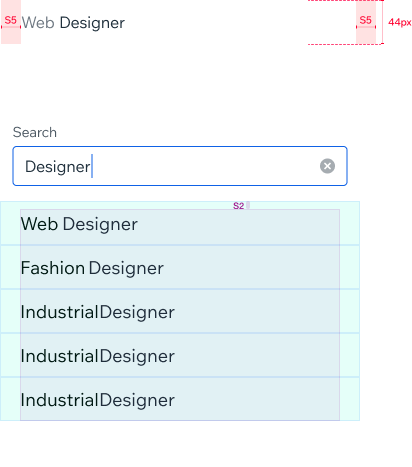
Results Scroll Area: • Positioned under the input
• Width equals input width
• Height is dynamic
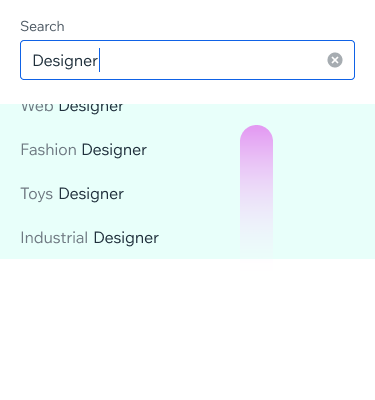
Scroll Slider:
• Native - Appears when the user scrolls the list
• 2px wide
• Default Color - $outlinePrimary, Inside Place changes to Theme Color
UsageCode Example
<AutocompleteList
  filterString={filter}
  onItemPress={selectItem}
  defaultItems={defaultItems}
  items={items}
  recentItems={recentItems}
/>
APIThis is the list of additional props for the component