- Overview
- UX Guidelines
- Dev
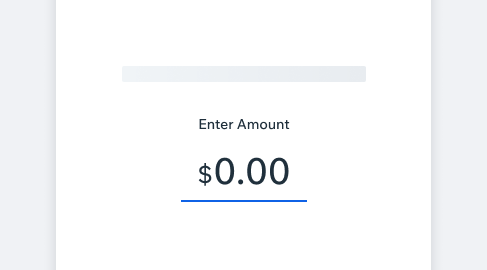
The number input uses masked input, it allows the user to easily enter fixed set input where a certain format is needed (in this case- numeric values for prices with decimals, amounts, weight). \n \n The masked input allows a more focused typing format, compared to the Main Input which allows the user to type more freely.
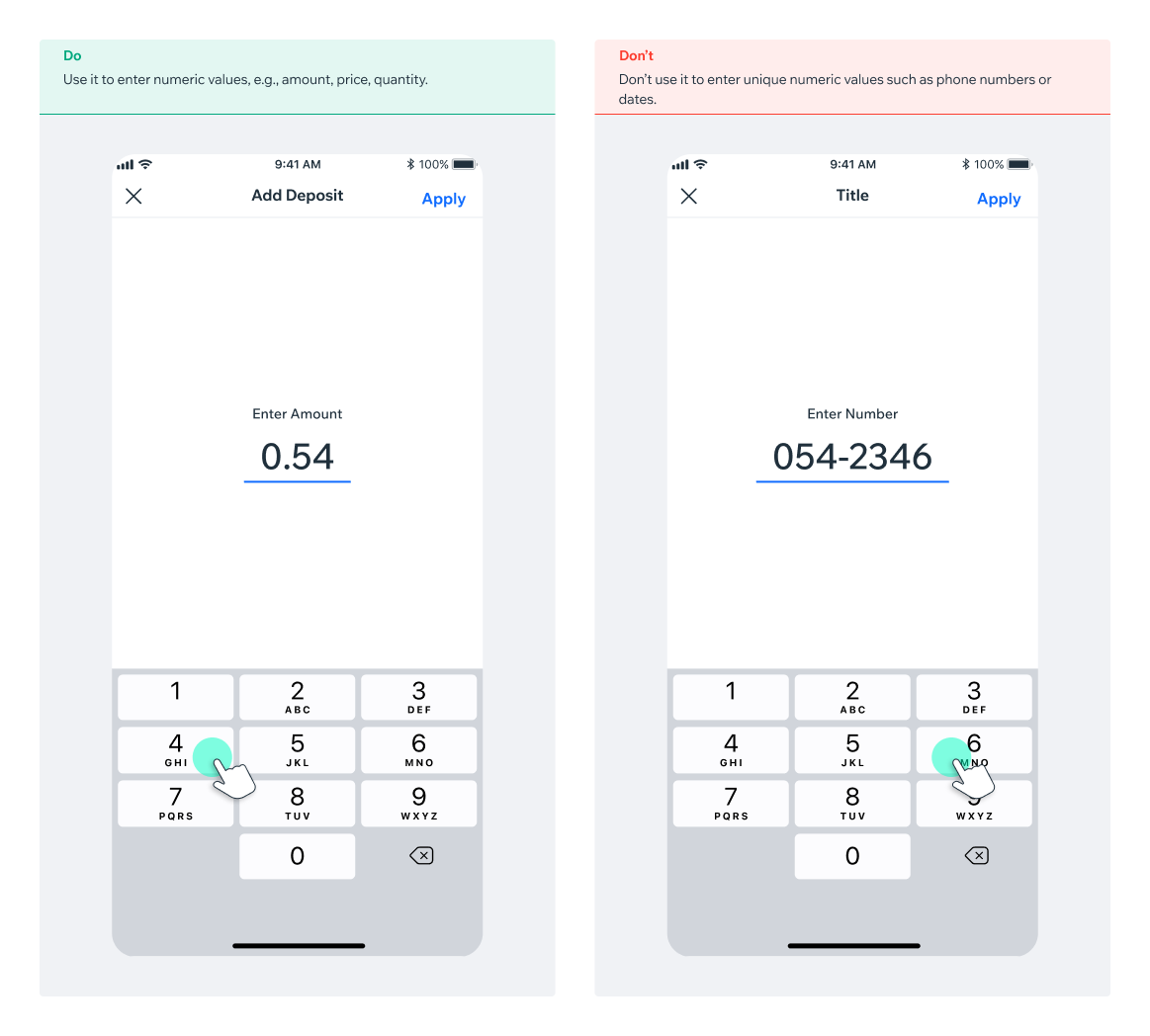
The price input supports the usage of prefix, sufix or none; depending on the case. The supported number types presets are: Currency, Percentage, Weight, or number only. \n \n Don’t use it to enter unique numeric values such as phone numbers or dates.
| Type | Component |
|---|---|
| Currency | 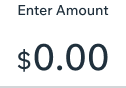 |
| Percentage | 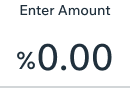 |
| Weight | 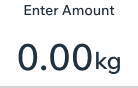 |
| Number only | 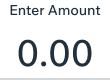 |
NumberInput comes as stand alone Input, as Main or only input in a screen \n \n Style: \n \n Label is optional\n Label & error message- “bodySmallMedium”\n Number - “text30M”\n Currency / Percentage- “text50M”\n
| State | Component |
|---|---|
| Inactive Label - $textDefault\n Value - $textDefault\n Divider - $outlineDisabled | 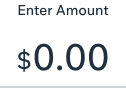 |
| Active / Typing Once in focus, Keyboard opens\n Label - $textDefault\n Value - $textDefault\n Divider - $outlinePrimary | 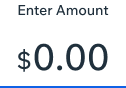 |
| Disabled Label - $textDisabled\n Value - $textDisabled\n Divider - $outlineDisabled | 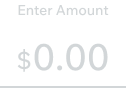 |
| Validation error markdown:An error can be caused when the entered amount is higher than the max value. \n \n Label - $textDefault\n Value - $textDefault\n Validation message - $textDangerLight Validation\n icon - $iconDangerLight\n Divider - $outlineDanger | 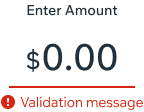 |
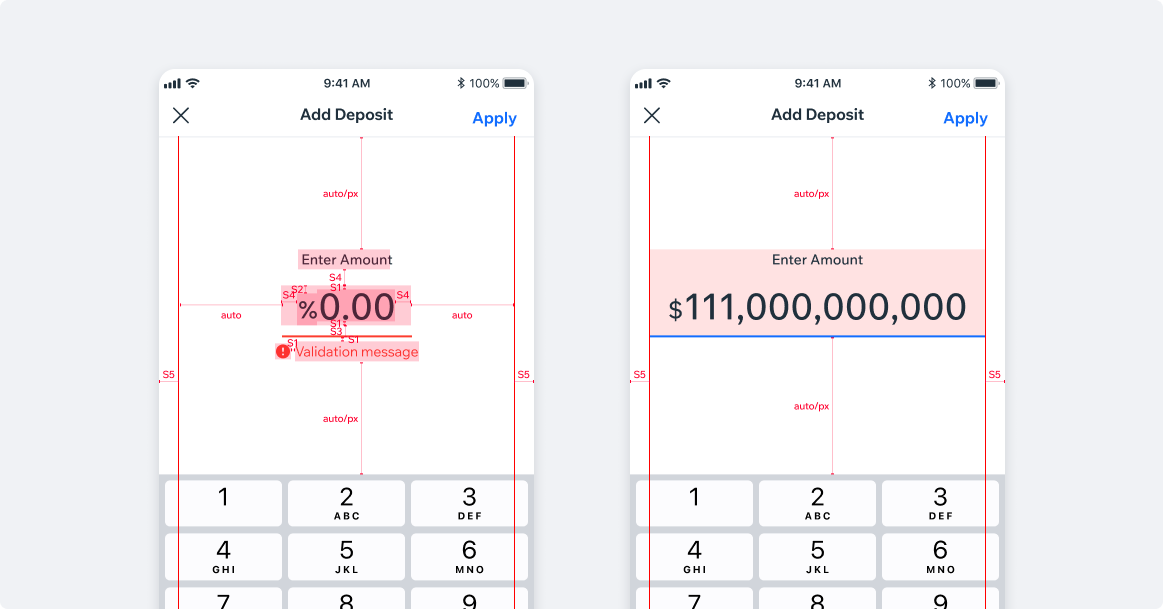
Max width S5 padding from screen’s edge.\n S4 inside padding.
<NumberInput initialValue={1506} onChange={onChange} placeholder={'Price'}/>