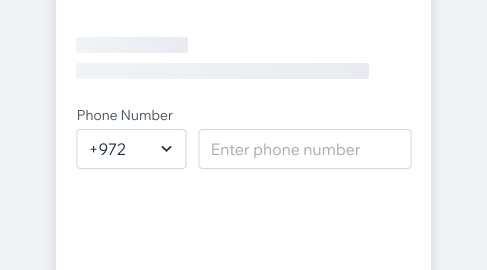
PhoneInputThe Phone Input component lets users enter phone numbers with a country code. It ensures accurate formatting, supports validation, and works with international numbers.
- Overview
- Dev
Usage Examples
Structure
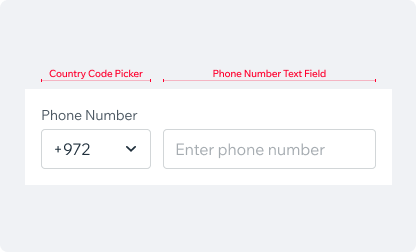
The picker field has two parts:
- Country Code Picker: Pre-filled based on the user’s device geolocation. Tapping it opens a modal with a list of country codes.
- Phone number Text Field: Where users enter their phone number.
States
| State | Component |
|---|---|
| Empty | |
| Focused | |
| Inactive Full | |
| Validation Error | 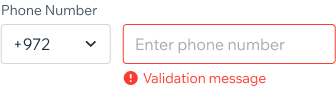 |
Validation Logic
The Phone Input validates user input by default, but this can be disabled if needed.
Validation Timing
- On Change: Enabled by default with a 500ms delay after typing stops to reduce interruptions. This can be disabled.
- On Blur: Disabled by default but can be enabled.
- On Country Change: Validation is skipped if previous validations (on change or blur) have not been passed.
- On Paste: Validation runs immediately after pasting to ensure the phone number is correct.
Validation Error
Input may be optional in some cases, so leaving the field empty won’t trigger an error. However, an error will occur if the input contains invalid or illegal data.
Country Picker ModalThe Country Picker Modal opens when the country code picker is tapped. It displays a list of all available country codes, with the currently selected code highlighted at the top. Users can quickly find a country by typing its name or code into the search field at the top of the modal.
PlaygroundCode Example
APIThis is the list of additional props for the component