AvatarAn Avatar component is a visual representation of a user or entity, often displayed as a circular image, icon, or placeholder with initials. In mobile app design systems, it is used to personalize the interface by representing users in profiles, chats, notifications, or lists. Avatars help users quickly recognize people, accounts, or items, enhancing both engagement and navigational clarity.

- Overview
- UX Guidelines
- Dev
Avatar Types
| Property | Component |
|---|---|
| Image |  |
| Placeholder / User |  |
| Placeholder / Group |  |
| Initials |  |
Avatar Sizes
| Property | Component |
|---|---|
| XLarge |  |
| Large |  |
| Medium |  |
| Small |  |
| XSmall |  |
| XXSmall |  |
| 3XSmall |  |
Avatar Accessories
| Property | Component |
|---|---|
| Badge (online indication) |  |
| Badge with icon Not supported in XXSmall and 3Xsmall. |  |
| Label Supported only in XLarge, Large and Medium. |  |
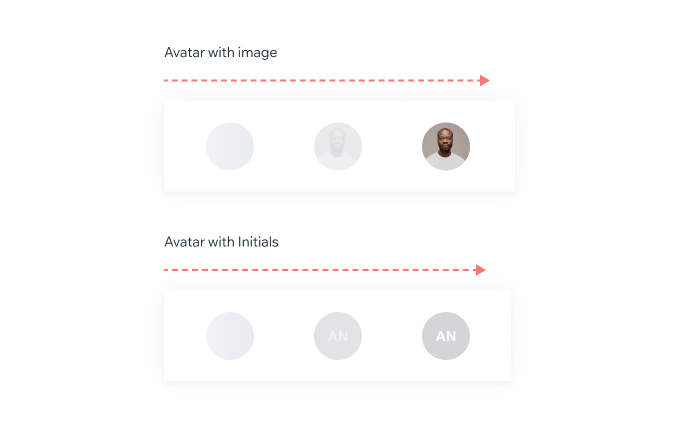
Avatar LoadingNot cached avatar:First display skeleton, then load in the image with fade-in animation: easeInOutQuadFade: 0>1 150ms
PlaygroundCode Example

TIP
This component extends the basic/TouchableOpacity, media/Image props.
APIThis is the list of additional props for the component