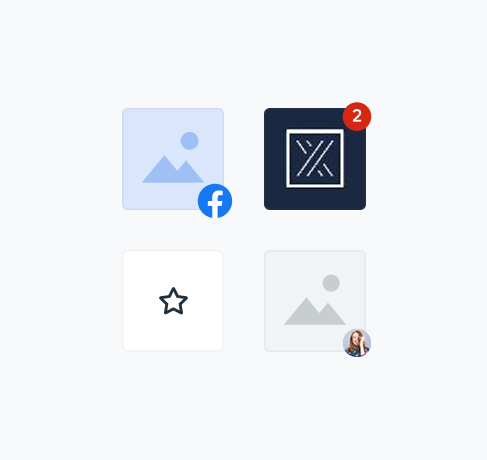
ThumbnailThumbnails are small images that represent information.
They typically act as tap targets that lead to primary content, appearing within components like cards or lists.
Thumbnails are used to:
- Provide a peek at content on other screens
- Imply to more information
- Assist in navigation
- UX Guidelines
- Overview
- Dev
Visual Types
| Type | Preview |
|---|---|
| Image Border: Grey30, 0.1 opacity, br20 Image: Fill | .png) |
| Placeholder Default Placeholder image: defaultPlaceholder BG: $backgroundNuetralMedium Border: Grey30, 0.1 opacity, br20 |  |
| Placeholder Themed Placeholder image: defaultThumbnail BG: $backgroundPrimaryHeavy Border: Grey30, 0.1 opacity, br20 | .png) |
| Icon Border: Grey30, 0.1 opacity, br20 Position: Centered | .png) |
Custom Element Options
| Element | Large | Small |
|---|---|---|
| Counter Badge | ||
| Pimple Badge | ||
| Icon Badge | ||
| Icon Label | ||
| Avatar |
Usage Examples
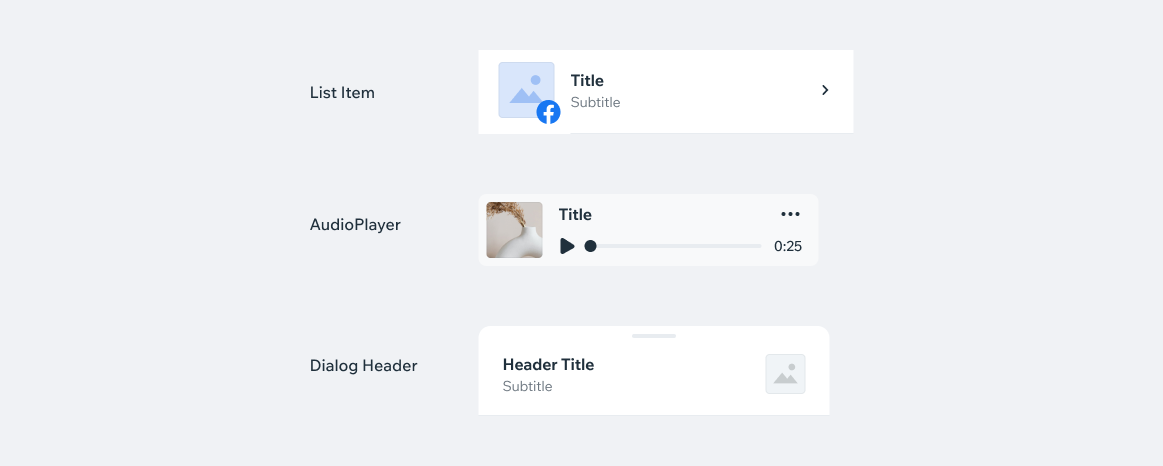
PlaygroundCode Example
APIThis is the list of additional props for the component