MediaUpload
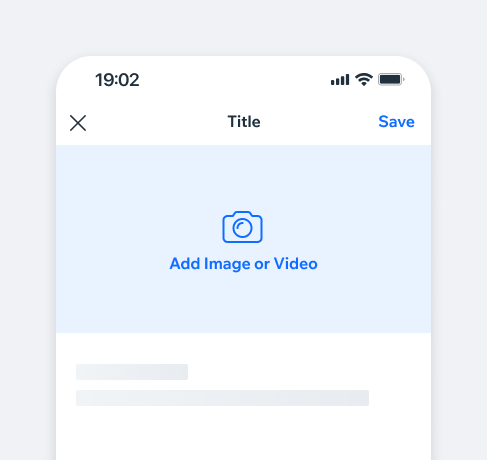
The MediaUpload component enables users to upload photos from the media manager.
Uploaded content can be previewed, replaced, or removed as needed.
- Overview
- Dev
Usage Examples
Types
| Type | Component |
|---|---|
| Cover Positioned at the top of the screen, the “cover” type is mainly used for uploading cover images. | |
| Small The “small” type is placed inline, mainly within settings screens. Size can be customized, default it 72x72. |
States
| Property | Cover | Small |
|---|---|---|
| Empty | ||
| Loading | ||
| Preview |
Uploading Multiple ItemsWhen a user uploads multiple files, the component becomes a carousel.
Users can scroll through the images, with a counter showing the current and total number of images, along with a page control indicator.
Spec
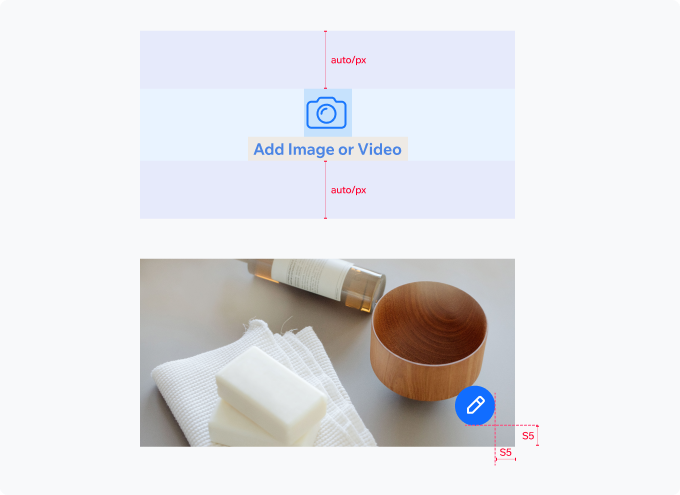
Empty state:
Icon- CameraBig.
CTA- link button, large.
Preview state:
Icon Button- 40x40
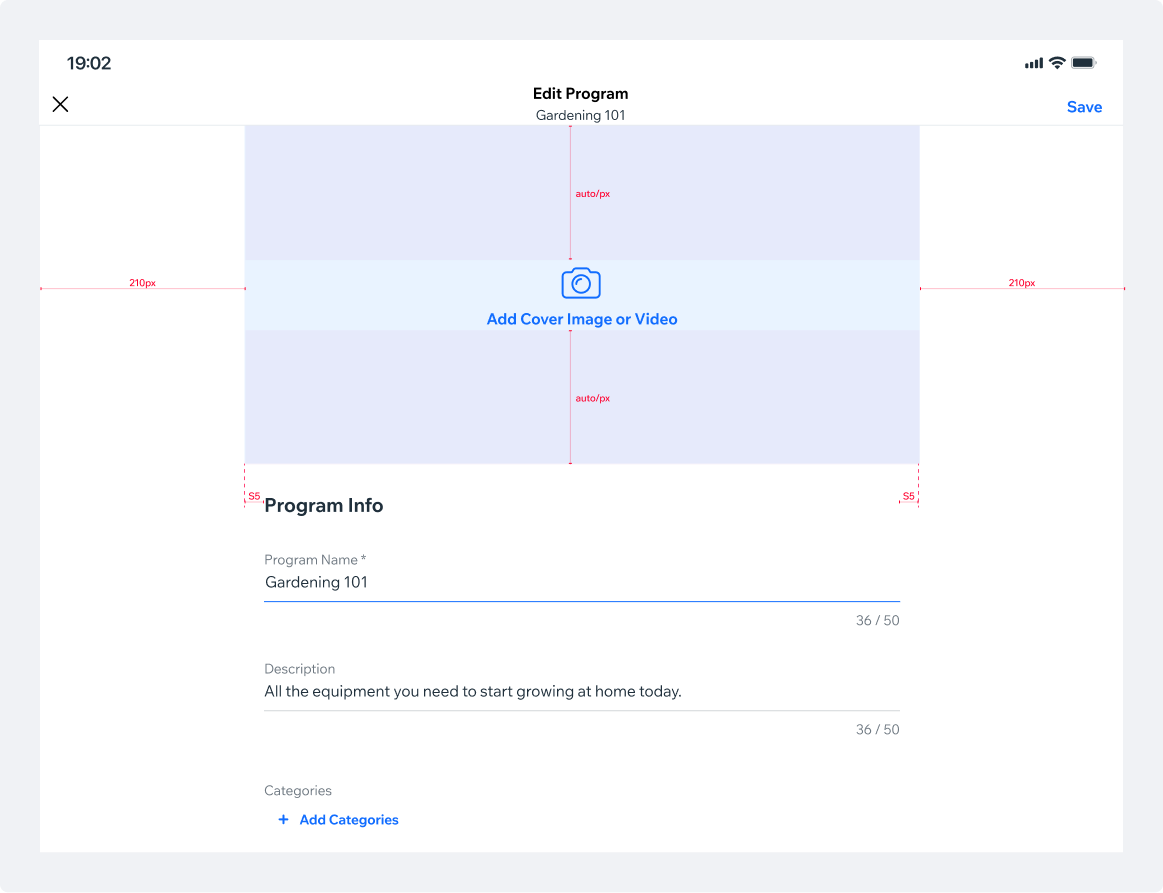
Tablet SpecThe tablet version will keep it’s proportions and will be stretched to the width of the rest of the form, in accordance to the padding.
PlaygroundCode Example
APIThis is the list of additional props for the component